Working with JSON API responses: format, inspect, and validate
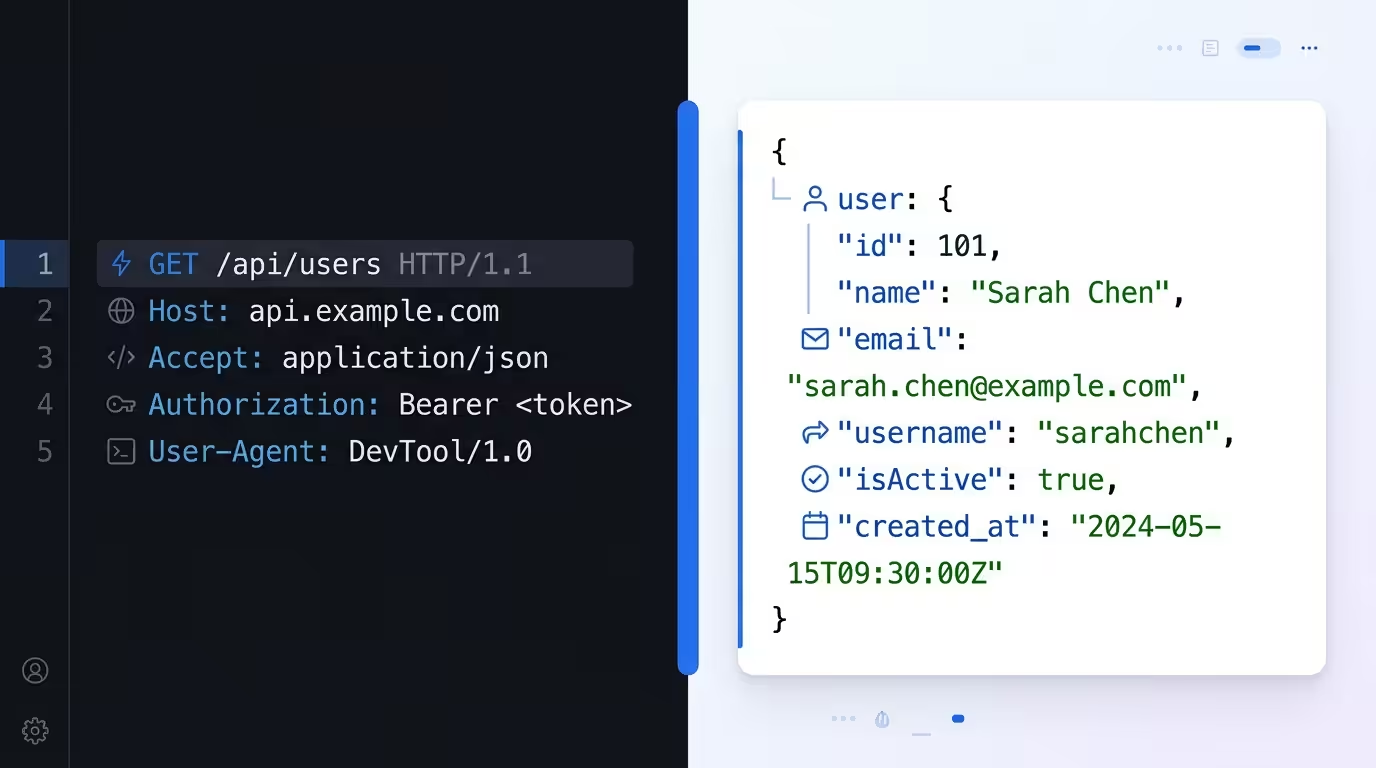
Most web APIs return JSON. The response lands in your terminal or browser and the first thing you want to do is figure out what is in it.
The basic structure
A typical REST API response wraps the data in an envelope:
{
  "status": "ok",
  "data": {
    "users": [
      { "id": 101, "name": "Sarah Chen", "email": "[email protected]" }
    ]
  },
  "meta": {
    "total": 1,
    "page": 1
  }
}
The actual records live inside data. The meta object tells you about pagination. Not every API follows this pattern, but most of them do something similar.
Formatting the raw response
Curl and most HTTP clients return JSON with no whitespace. Paste the raw response into the JSON Formatter and click Format JSON. You get a readable, indented version you can actually scan.
Inspecting specific fields
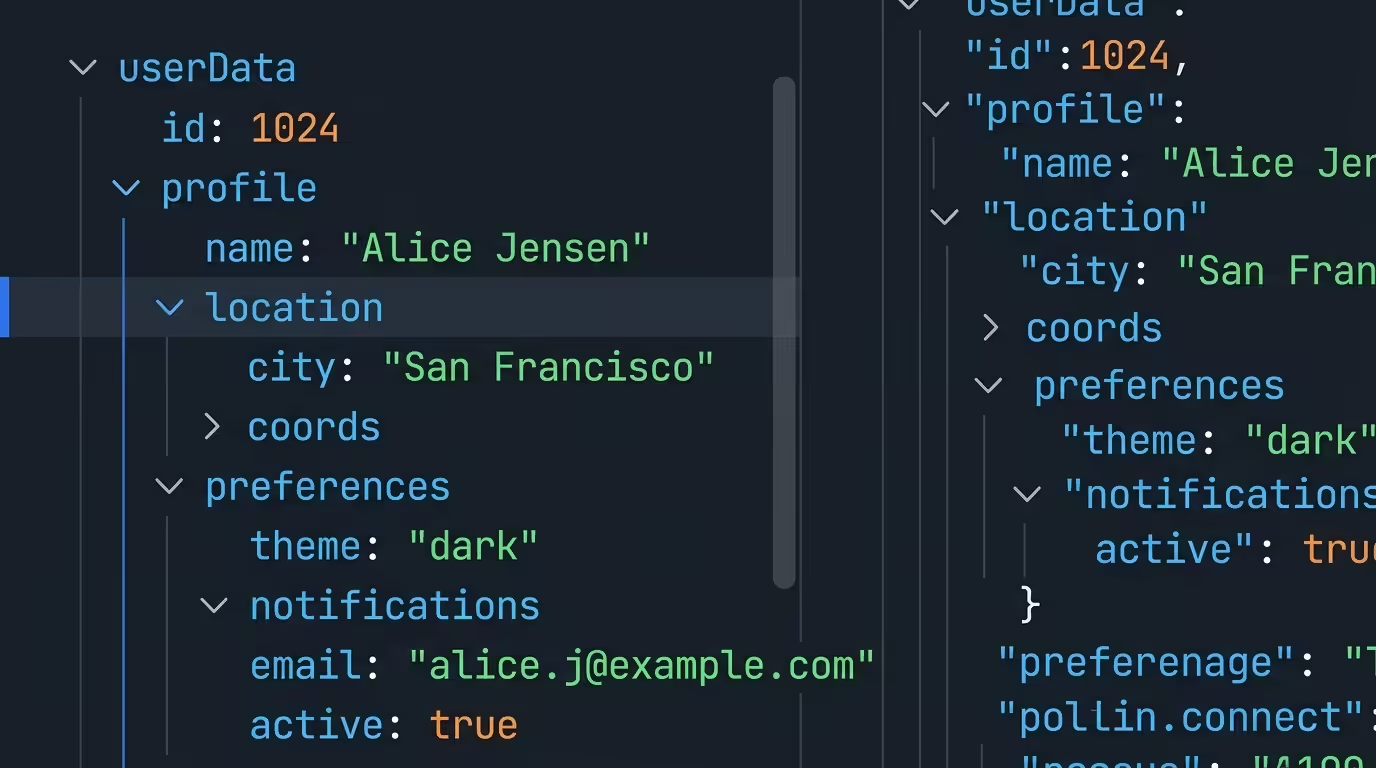
Once formatted, paste it into the JSON Viewer. Collapse the branches you do not need and expand the one you do. The viewer shows the exact key path, so if you need to write response.data.users[0].email in code, you can read the path directly from the tree.
Checking before you use it
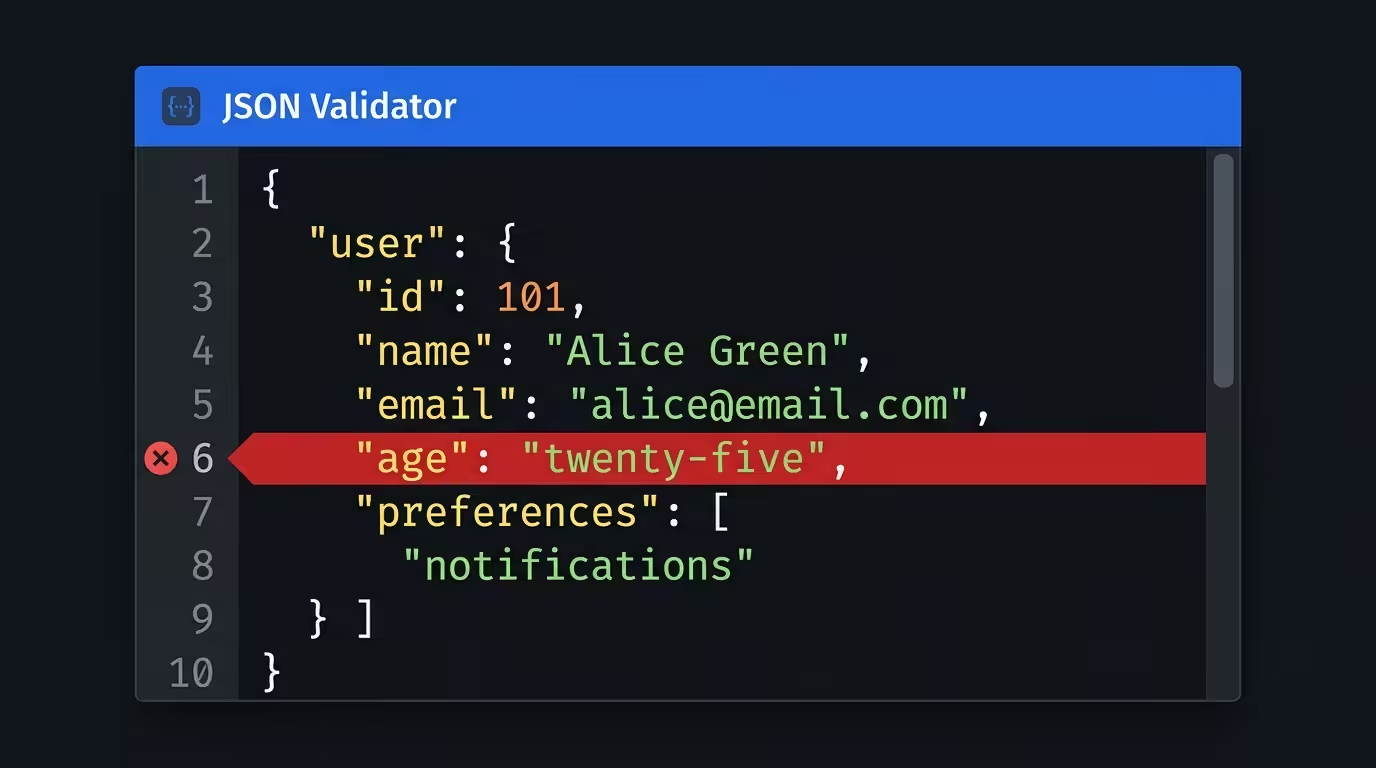
If the API is returning data you are about to store or process, run it through the JSON Validator first. Some APIs return malformed JSON when there is a server-side error — a single invalid response passed into JSON.parse() will throw and break your script.
Handling errors and empty arrays
Watch for two patterns: an empty array ("users": []) when there are no results, and a non-200 status wrapped in a JSON body ({"error": "not found"}). Both are valid JSON, but they need different handling in your code. Formatting the response first makes it much easier to spot which case you are dealing with.