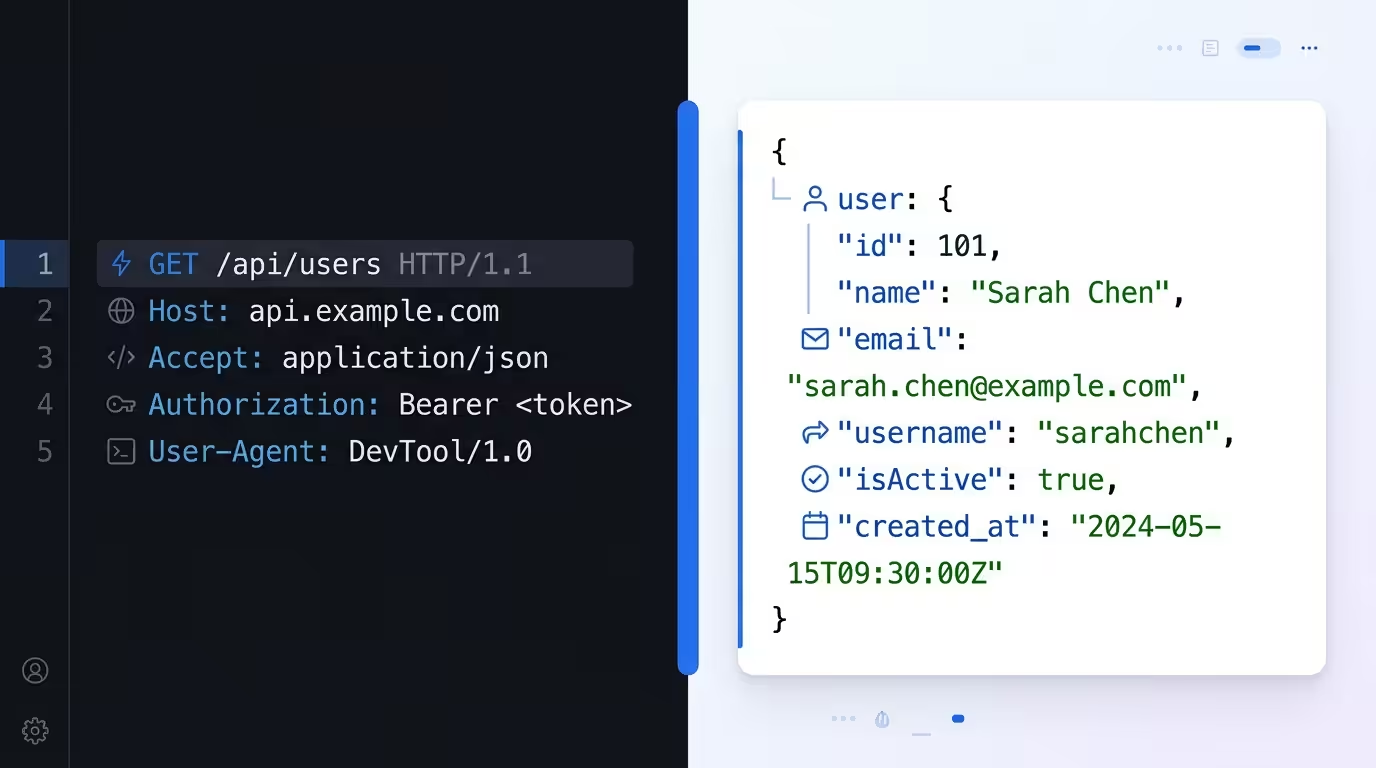
Best free online JSON tools for developers in 2026
The best free JSON tools run in your browser without uploading data. Here are the three tools on JSON Lab — viewer, formatter, and validator — and what each is for.
Read guideView, format, and validate JSON without sending your data anywhere. Clean tools for the work you do every day.
Explore all 33 purpose-built tools for editing, formatting, inspecting, converting, and generating code from JSON.
Interactive dual-panel JSON editor with tree, code, and table modes, syntax repair, and query transforms.
Open tool →Inspect nested objects and arrays in a clean, searchable tree view with path copying.
Open tool →Prettify minified JSON or compress raw payloads with flexible 2/4 space indentation.
Open tool →Pinpoint syntax errors by line and column. Automatically repair trailing commas and typos.
Open tool →Auto-fix broken trailing commas, unquoted keys, single quotes, and LLM syntax errors.
Open tool →Compare two JSON objects side-by-side to highlight additions, deletions, and modifications.
Open tool →Paste [{...}], get a clean .csv spreadsheet — one click.
Open tool →Parse CSV tables into clean, structured JSON arrays.
Open tool →Convert nested JSON into clean YAML configs for Kubernetes or Docker.
Open tool →Parse YAML syntax and configs into strict, formatted JSON.
Open tool →Convert JSON objects into valid XML trees with custom root tags.
Open tool →Parse XML documents into deeply nested JSON objects.
Open tool →Generate SQL INSERT queries with table names from JSON records.
Open tool →Turn SQL INSERT dumps or result rows into JSON objects.
Open tool →Turn JSON arrays of objects into formatted Markdown tables.
Open tool →Paste JSON, get type-safe TypeScript interfaces and types instantly.
Open tool →Generate Python Dataclasses and Pydantic models from JSON payloads.
Open tool →Generate Java POJO classes with private fields and getters/setters.
Open tool →Generate C# classes for System.Text.Json or Newtonsoft.Json.
Open tool →Generate Go structs with standard json tag annotations.
Open tool →Generate Kotlin data classes with serialization tags.
Open tool →Generate Swift Codable structs with clean naming conventions.
Open tool →Generate Rust structs with Serde derive macros.
Open tool →Generate strongly typed PHP 8+ classes with typed properties.
Open tool →Evaluate $.store.book[*].author expressions in real time.
Open tool →Search keys, values, and paths across large JSON payloads.
Open tool →Flatten deep JSON objects into dot-notation keys or unflatten them.
Open tool →Encode JSON to Base64 strings or decode Base64 back to JSON.
Open tool →Decode and inspect JWT headers, payload claims, and expirations.
Open tool →Strip single and multi-line comments from JSON with Comments files.
Open tool →Calculate characters, words, and estimated OpenAI/LLM tokens.
Open tool →Generate JSON Schema Draft 7 definitions from any JSON payload.
Open tool →Validate JSON payloads against JSON Schema specifications with line errors.
Open tool →Your data never leaves your browser. Every tool runs 100% client-side with JavaScript.
Learn about privacy →No complex configuration or API keys required.
Paste raw text or upload a .json file directly from your device.
Choose to view as a tree, format indentation, minify, or validate syntax.
Get formatted JSON or error reports instantly in your browser.
Everything you need to know about JSON Lab.
No. Every tool runs locally in your browser. Your JSON is never sent to a server or stored by JSON Lab.
Performance depends on your device. Most modern browsers handle files up to several megabytes without issue. There is no server-side size limit.
Yes. Because everything runs in your browser and nothing is transmitted, your sensitive data stays private on your device.
Once the page has loaded, the tools work without an internet connection. All processing is client-side JavaScript.
Paste your JSON into the JSON Validator. It detects trailing commas and shows a corrected copy automatically.
Formatting adds indentation so the structure is readable. Minifying strips all whitespace to one line, reducing file size.
Yes. The JSON Formatter has a Sort object keys option to alphabetize object properties.
Yes. The viewer, formatter, and validator are all free with no account required.
Tutorials, specs, and best practices for working with JSON APIs and data pipelines.
The best free JSON tools run in your browser without uploading data. Here are the three tools on JSON Lab — viewer, formatter, and validator — and what each is for.
Read guide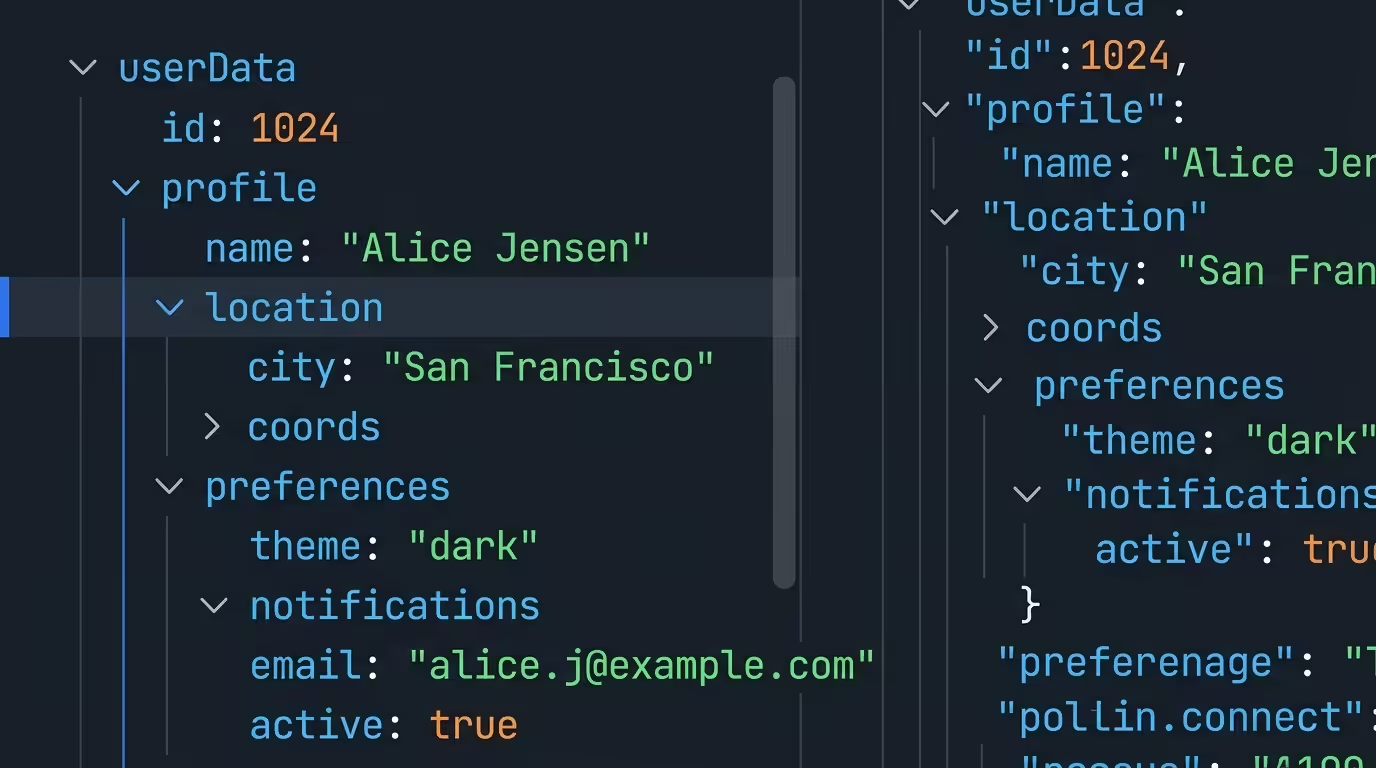
JSON.parse() throws a SyntaxError when the input is not valid JSON. Learn how to read the error position, find the problem, and write defensive parsing.
Read guide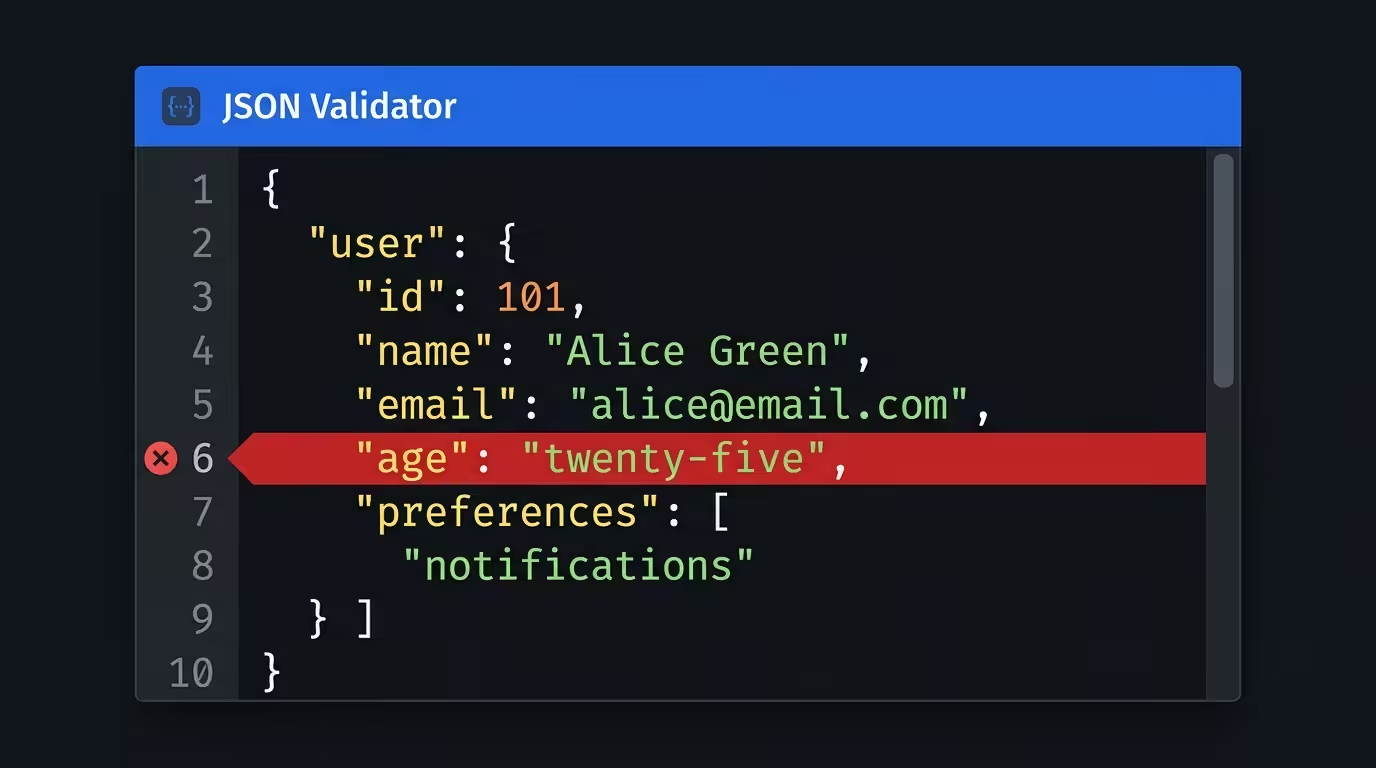
JSON and YAML both store structured data but make different trade-offs. Here is what each format is good at and when to reach for one instead of the other.
Read guide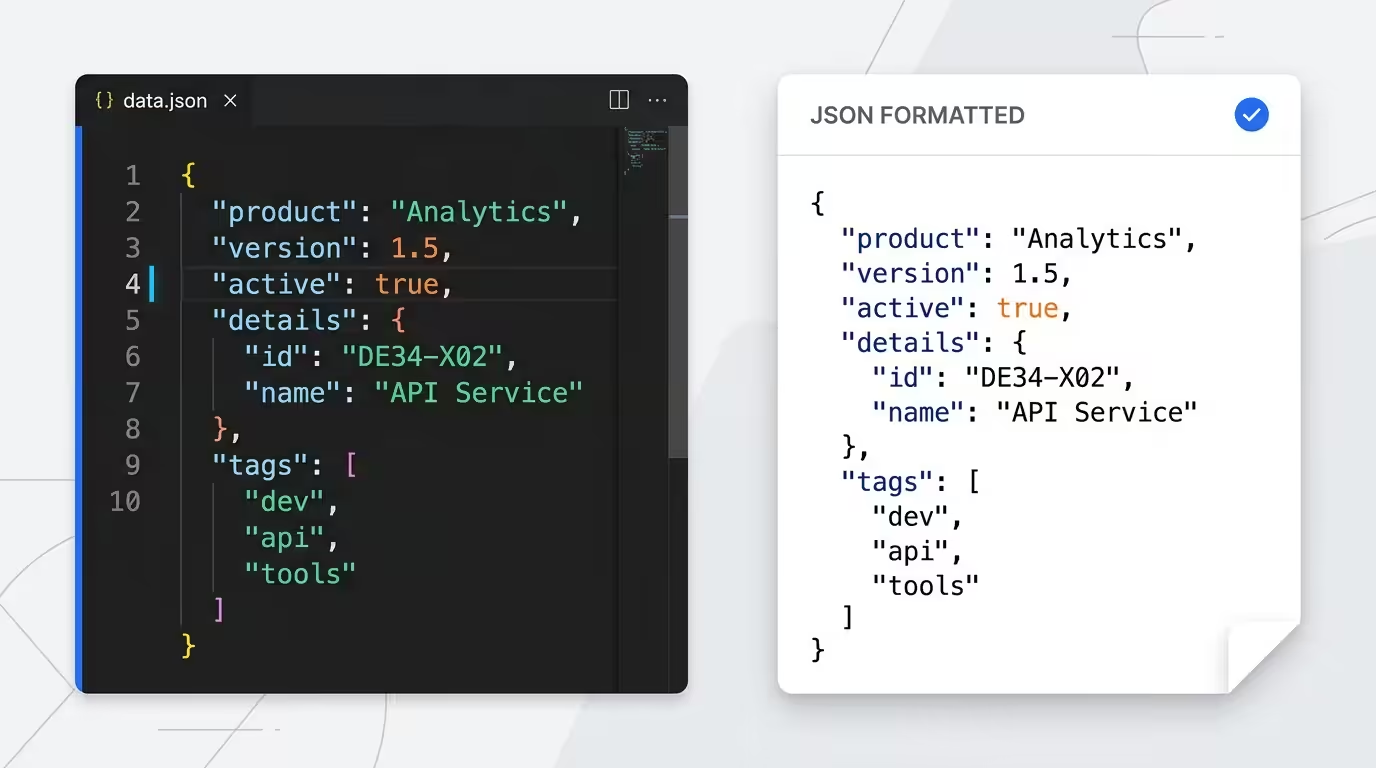
Minifying JSON removes whitespace without changing values. Learn when it actually helps and how to do it in one click or in code.
Read guide