How to fix JSON parse errors in JavaScript
A JSON.parse() call throws a SyntaxError when the string you pass it is not valid JSON. Here is how to find the problem and fix it without guessing.
Read the error message
Chrome and Firefox both report the character position in the error message, for example: Unexpected token } in JSON at position 42. Position 42 is the character index counting from zero. Use it to find the problem:
try {
  const data = JSON.parse(raw);
} catch (err) {
  const pos = err.message.match(/positions+(d+)/i);
  const char = pos ? parseInt(pos[1]) : 0;
  console.log("Error near:", raw.slice(Math.max(0, char - 20), char + 20));
}
Common causes
Trailing commas after the last item in an object or array are the most common cause. The JavaScript object literal syntax allows them; the JSON spec does not. Single-quoted strings and unquoted keys from Python or JavaScript literals also break JSON.parse().
Use the validator to find the line
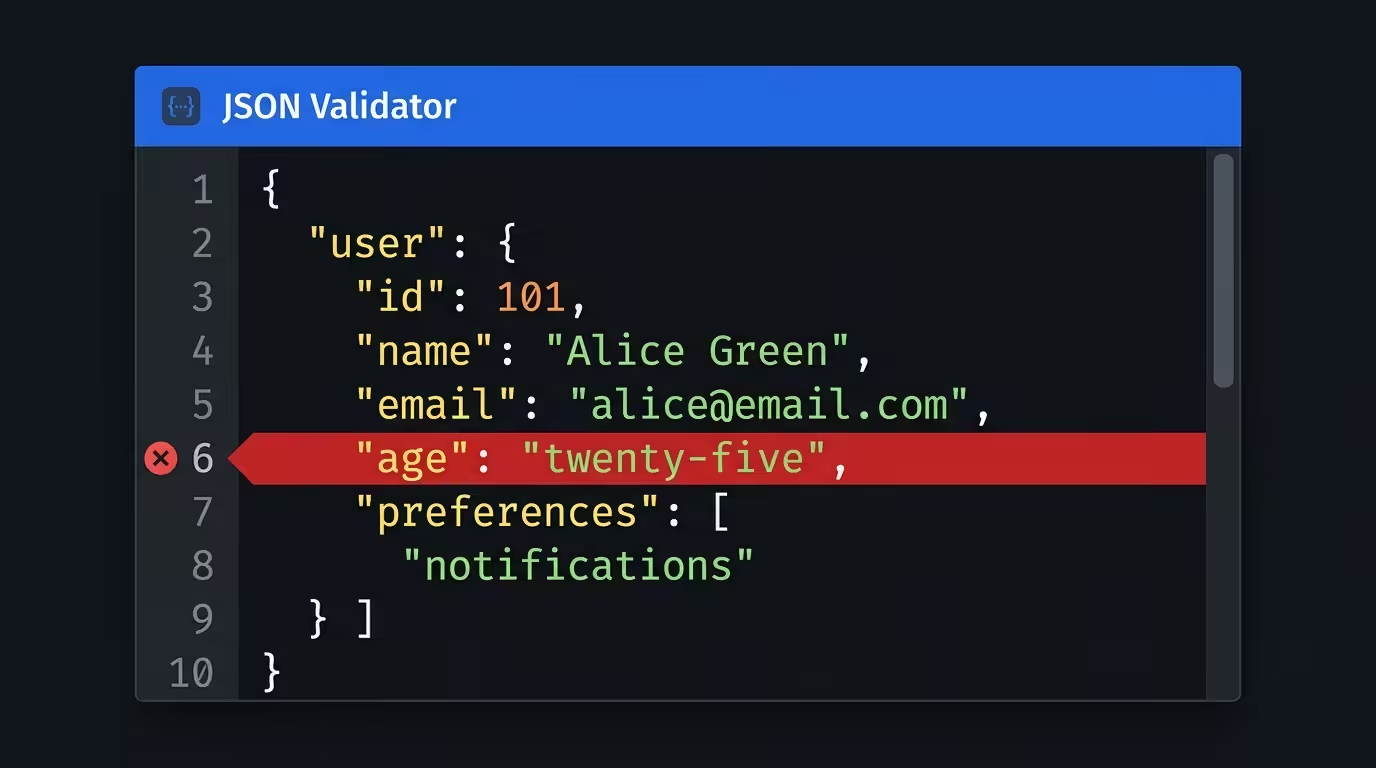
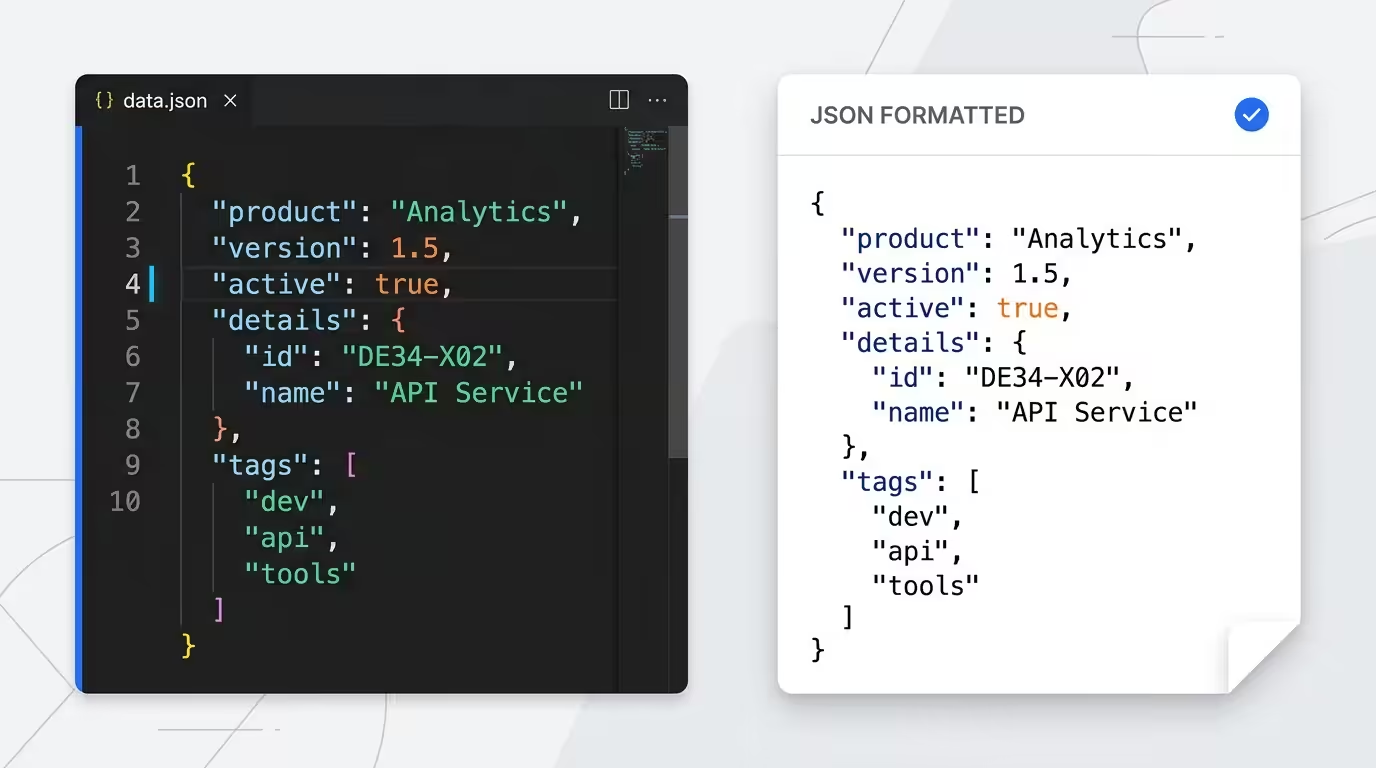
Paste the raw string into the JSON Validator. It converts the character position into a line and column number and shows a plain-English description of what went wrong. When the error is a trailing comma or an unquoted key, the validator also shows a corrected copy you can paste straight back into your code.
Defensive parsing
Wrap every JSON.parse() call in a try/catch in production. An API that normally returns valid JSON can return an HTML error page or a truncated response when the server has a problem. Catching the error prevents the parse failure from crashing the rest of your script.
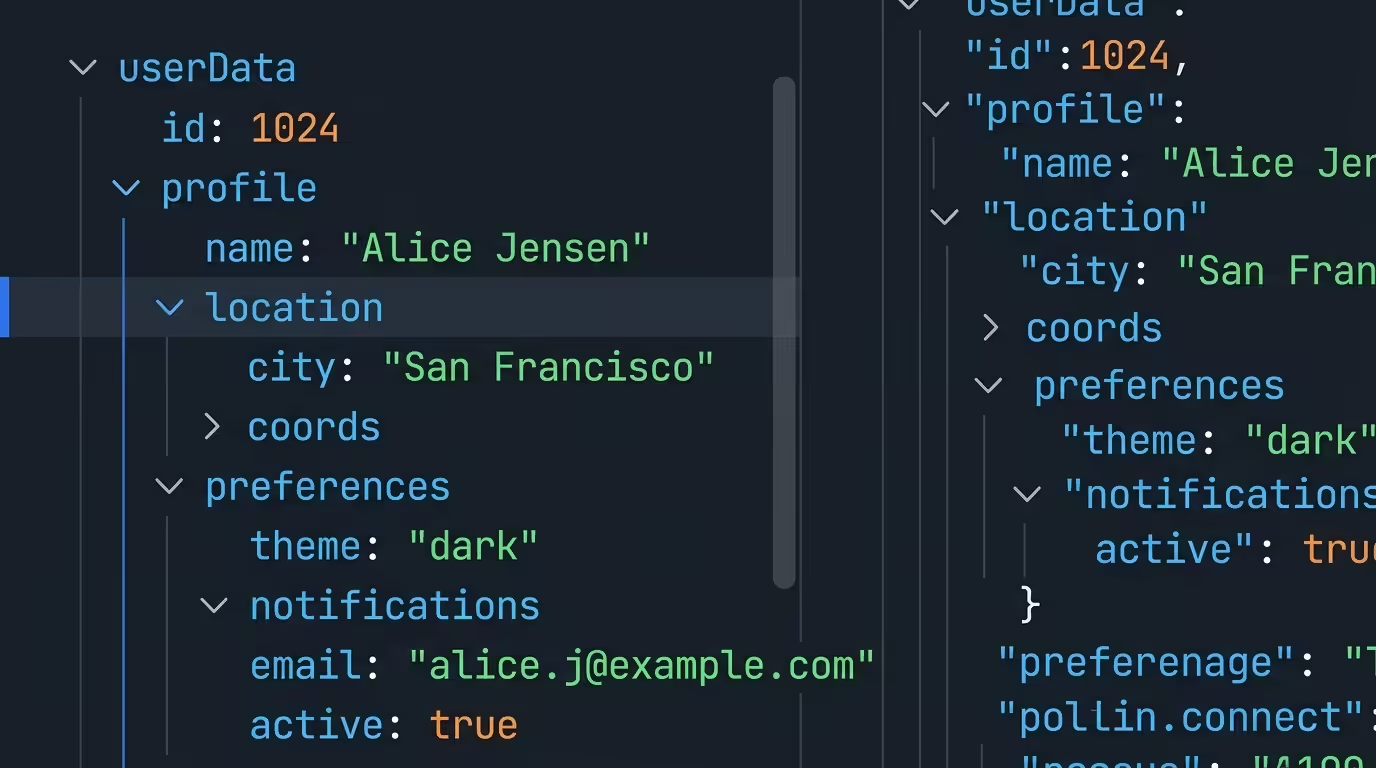
Once parsing succeeds, use the JSON Viewer to explore the structure visually and confirm the data shape matches what your code expects.