JSON vs YAML: key differences and when to use each
JSON and YAML store structured data, but they make different trade-offs. Here is what each format is actually good at, so you can choose the right one for the job.
Syntax
JSON uses braces, brackets, and quotes. Every key is a double-quoted string. YAML uses indentation instead of punctuation, and most strings do not need quotes. The same data in each format:
// JSON
{ "name": "JSON Lab", "tools": ["viewer", "formatter"], "private": true }

# YAML
name: JSON Lab
tools:
  - viewer
  - formatter
private: true
Where JSON wins
Every programming language parses JSON natively or with one import. It is the default for HTTP APIs, localStorage, and most databases that store structured documents. The spec is strict and small, so parsers rarely disagree.
Where YAML wins
YAML is easier to write by hand — no comma-tracking, no quote escaping for most strings. Most CI pipelines (GitHub Actions, GitLab, CircleCI) and Kubernetes use YAML because engineers edit it in text editors constantly. Comments are supported natively with #.
When to use each
Use JSON for API responses, browser storage, and anywhere a machine writes and reads the data without human edits. Use YAML for configuration files that people edit, pipeline definitions, and infrastructure-as-code where comments help.
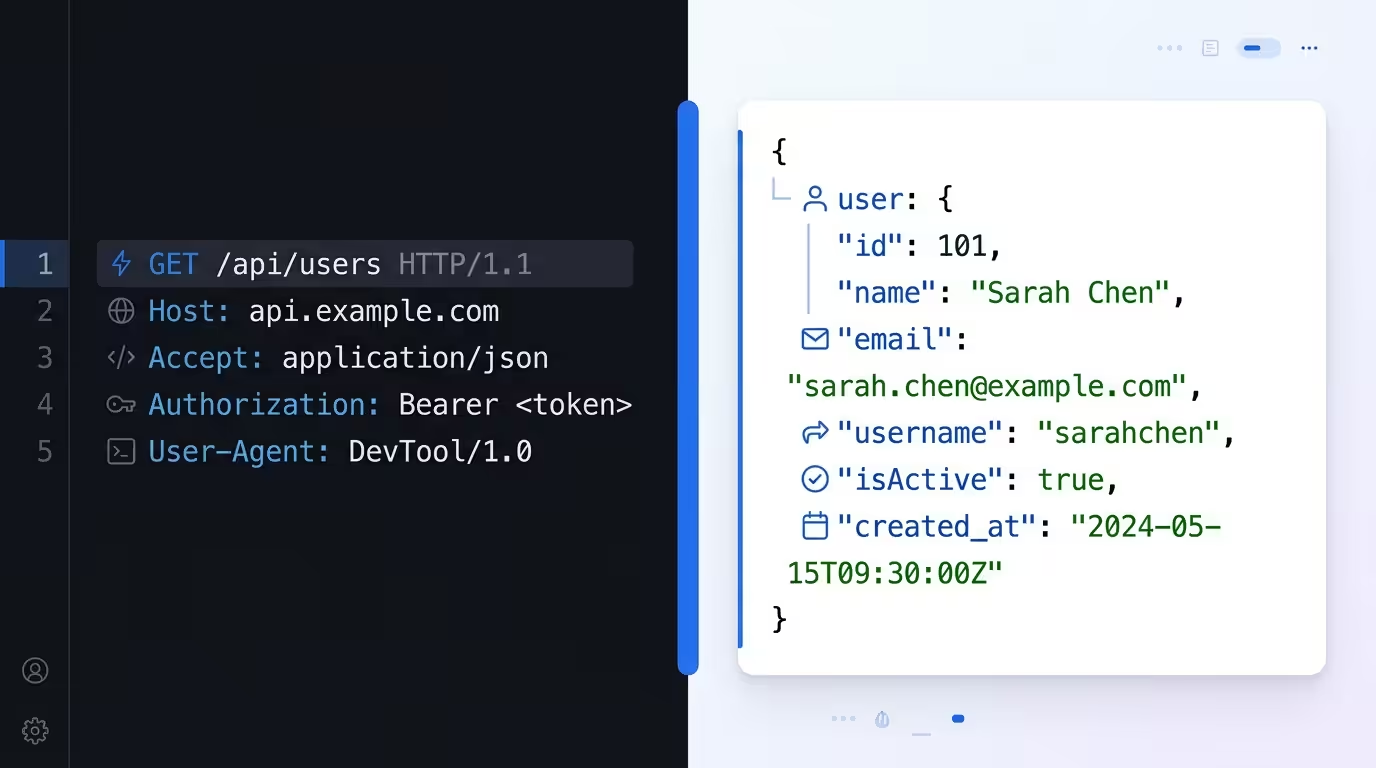
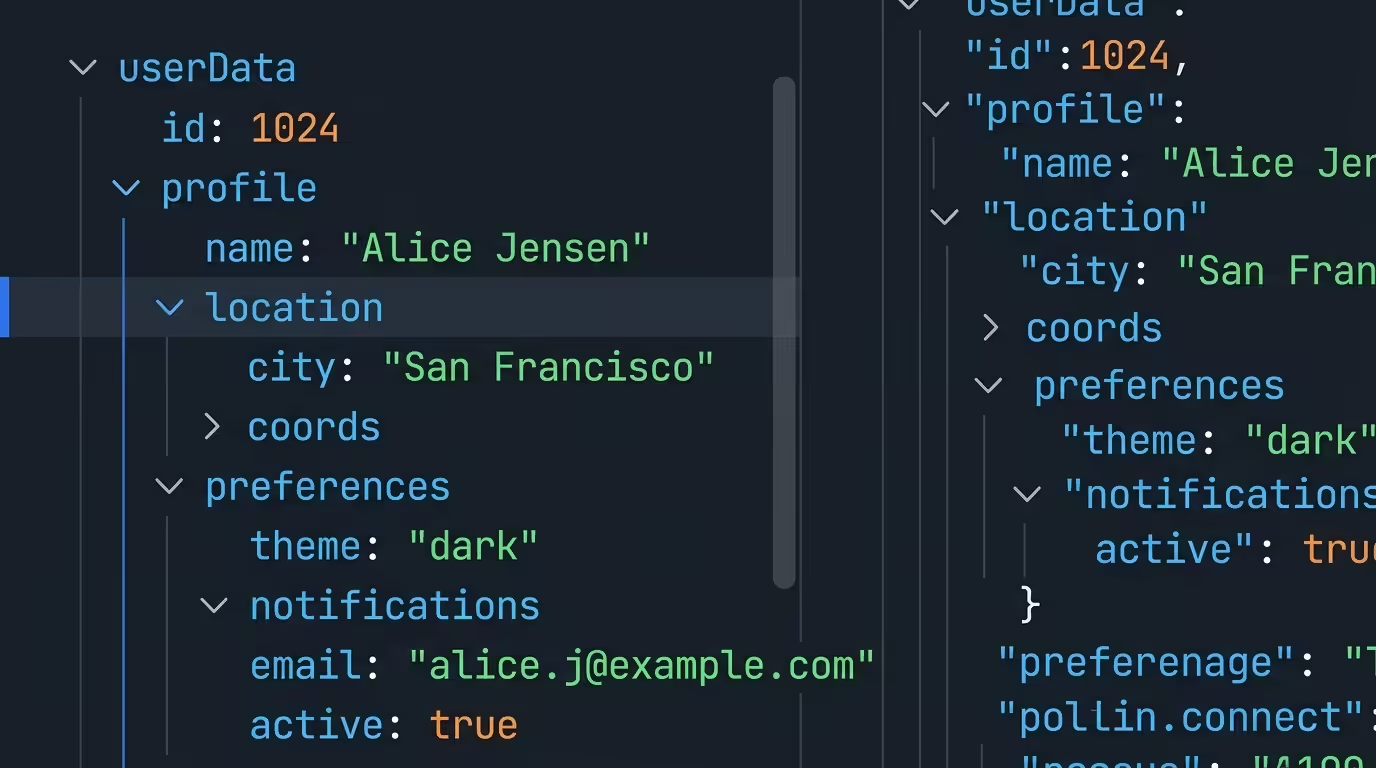
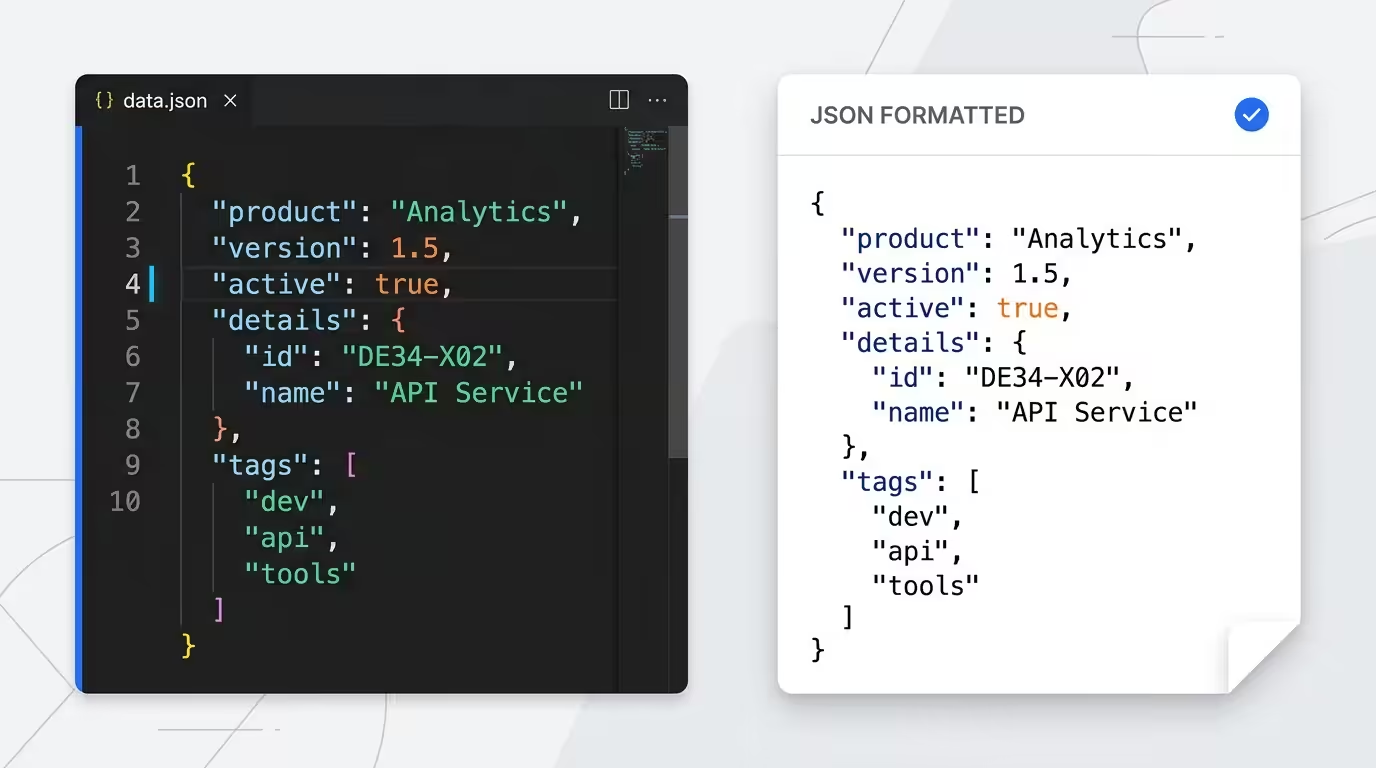
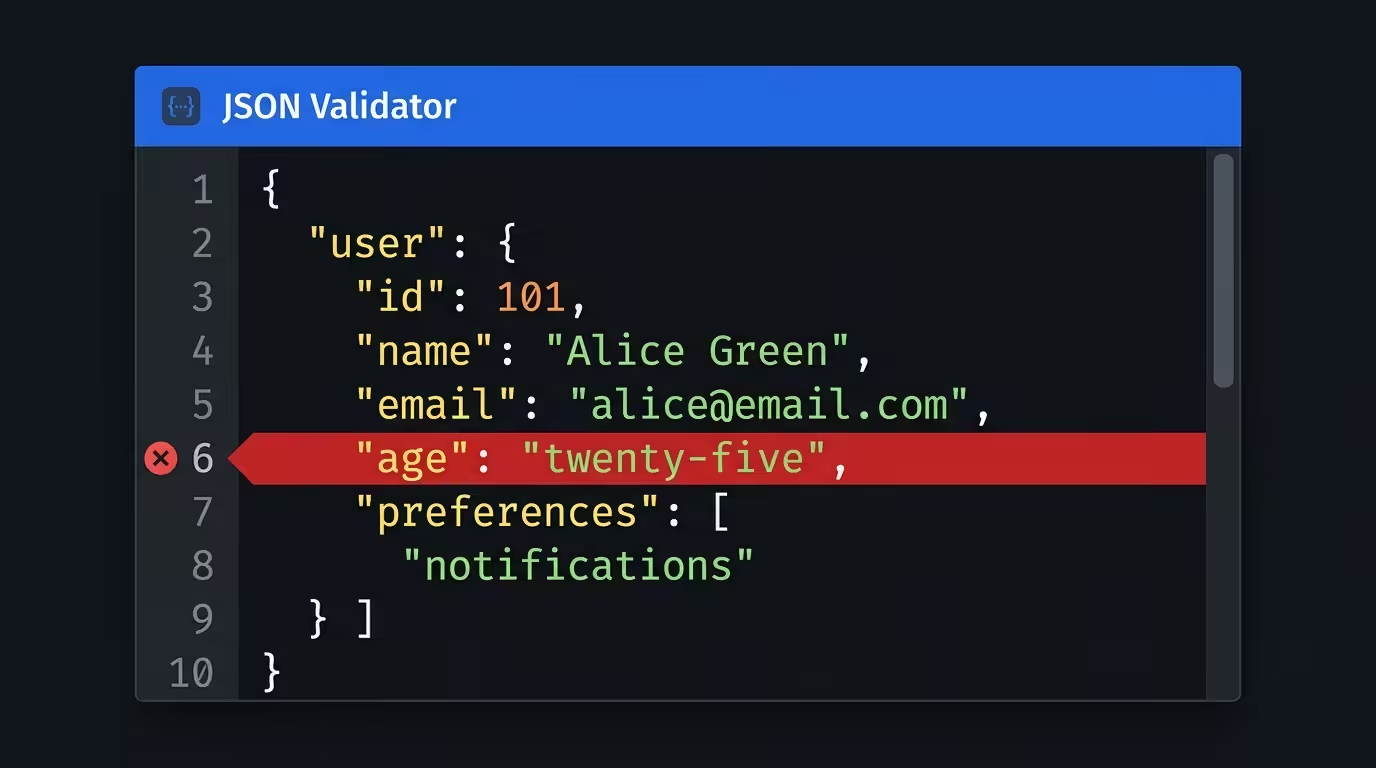
If you are working with a JSON file right now, the JSON Formatter makes it readable in one click. The JSON Validator catches syntax errors before they reach your parser. For large nested structures, the JSON Viewer shows the tree without you scrolling through raw text.