How to minify JSON for production: tools, tips, and when to do it
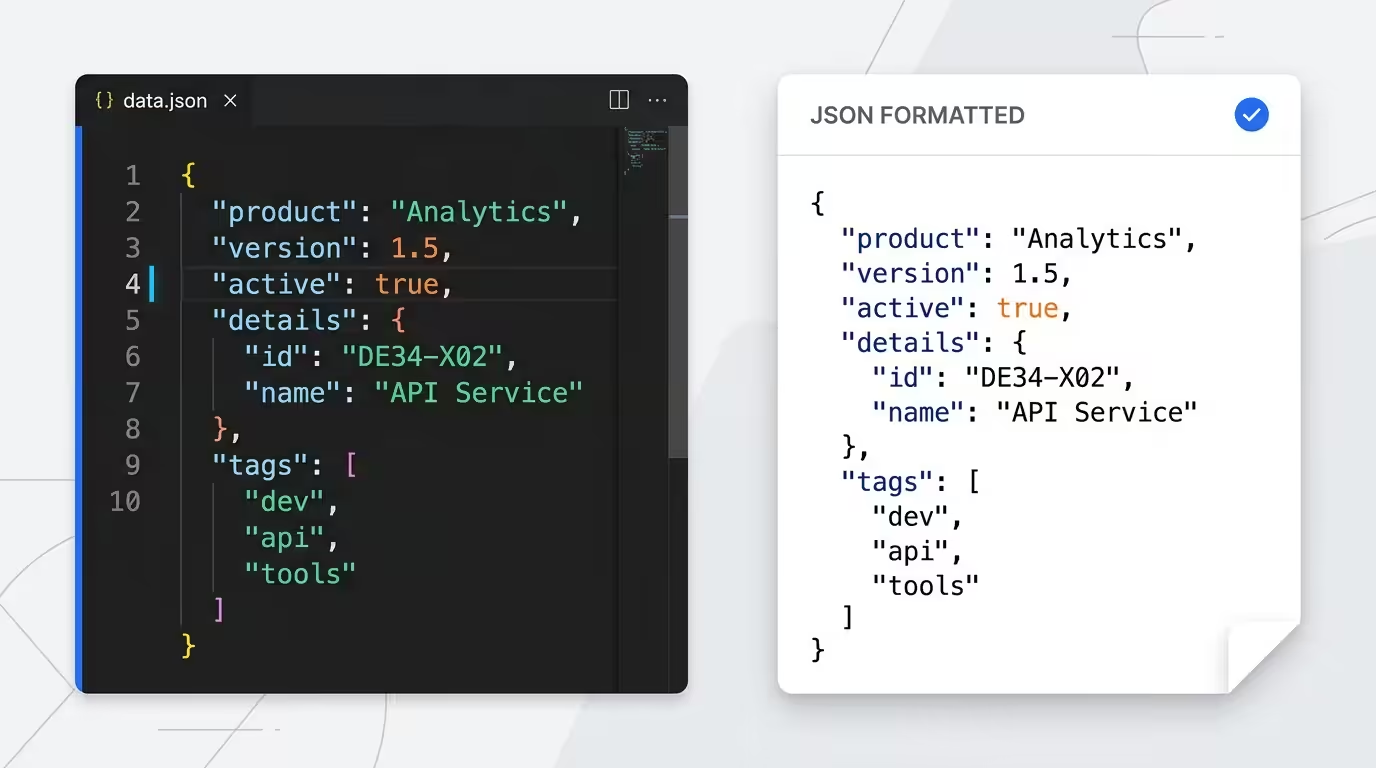
Minifying JSON strips all whitespace from the document so the data fits in one line. The values do not change. A minified file is smaller, which matters when you are sending JSON in an HTTP body, storing it in a database field, or embedding it in a script tag.
When minifying actually helps
For most API calls, the difference between a formatted and a minified payload is a few hundred bytes — small enough that compression (gzip or Brotli) handles it automatically. Minifying is worth doing deliberately when you are building a static file that loads without compression, embedding JSON in a web page, or storing many records in a database column where you pay per byte.
How to minify in one click
Paste your JSON into the JSON Formatter and click Minify instead of Format JSON. The output panel shows one continuous line with no spaces or newlines. Click Copy to grab it or Download to save the file.
Minifying from JavaScript
In code, pass 0 as the third argument to JSON.stringify:
const minified = JSON.stringify(JSON.parse(raw), null, 0);This parses the input first, which also validates it. If the input is already valid, the output is the most compact form of the same data.
Sorting keys before minifying
If you want alphabetically sorted keys in the minified output, enable Sort object keys in the formatter before clicking Minify. Sorted keys make the output deterministic, which is useful if you are hashing the JSON for a cache key or comparing minified outputs between builds.
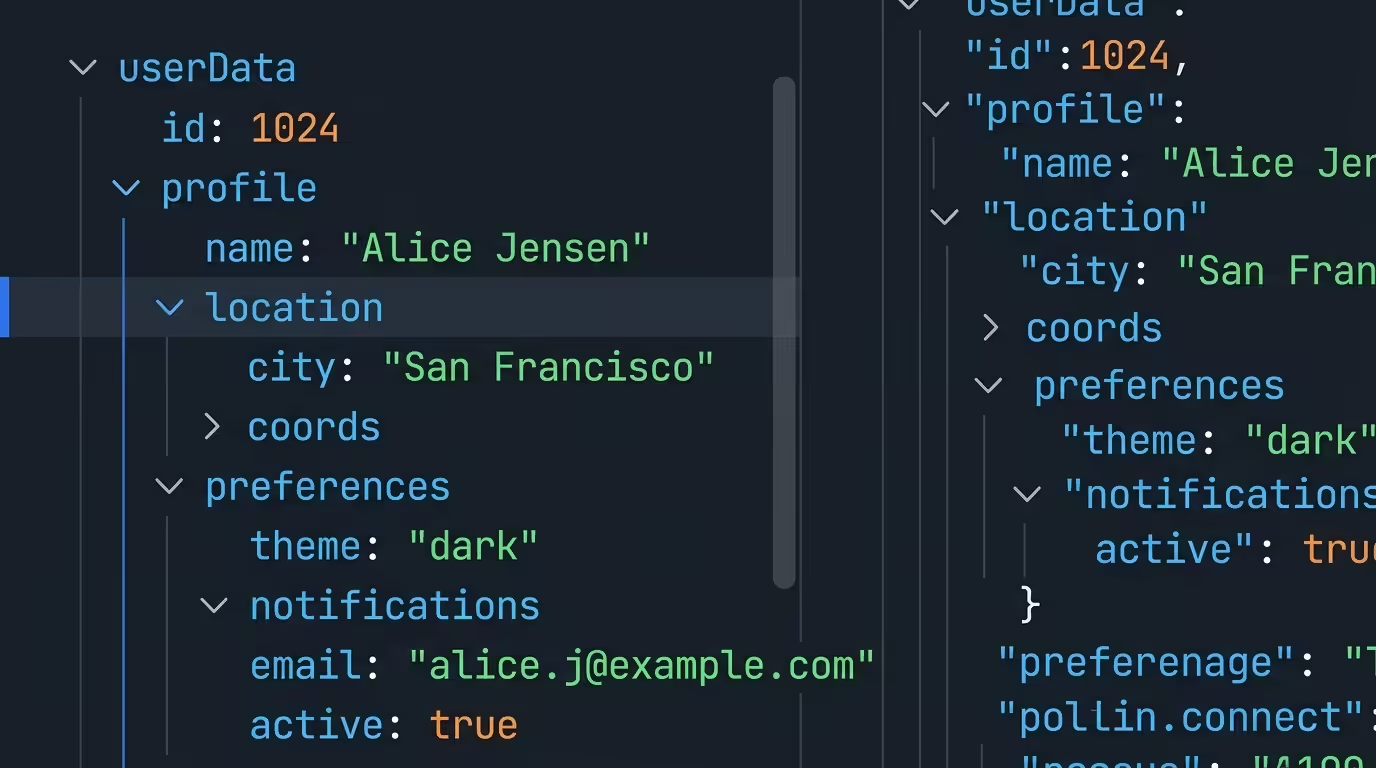
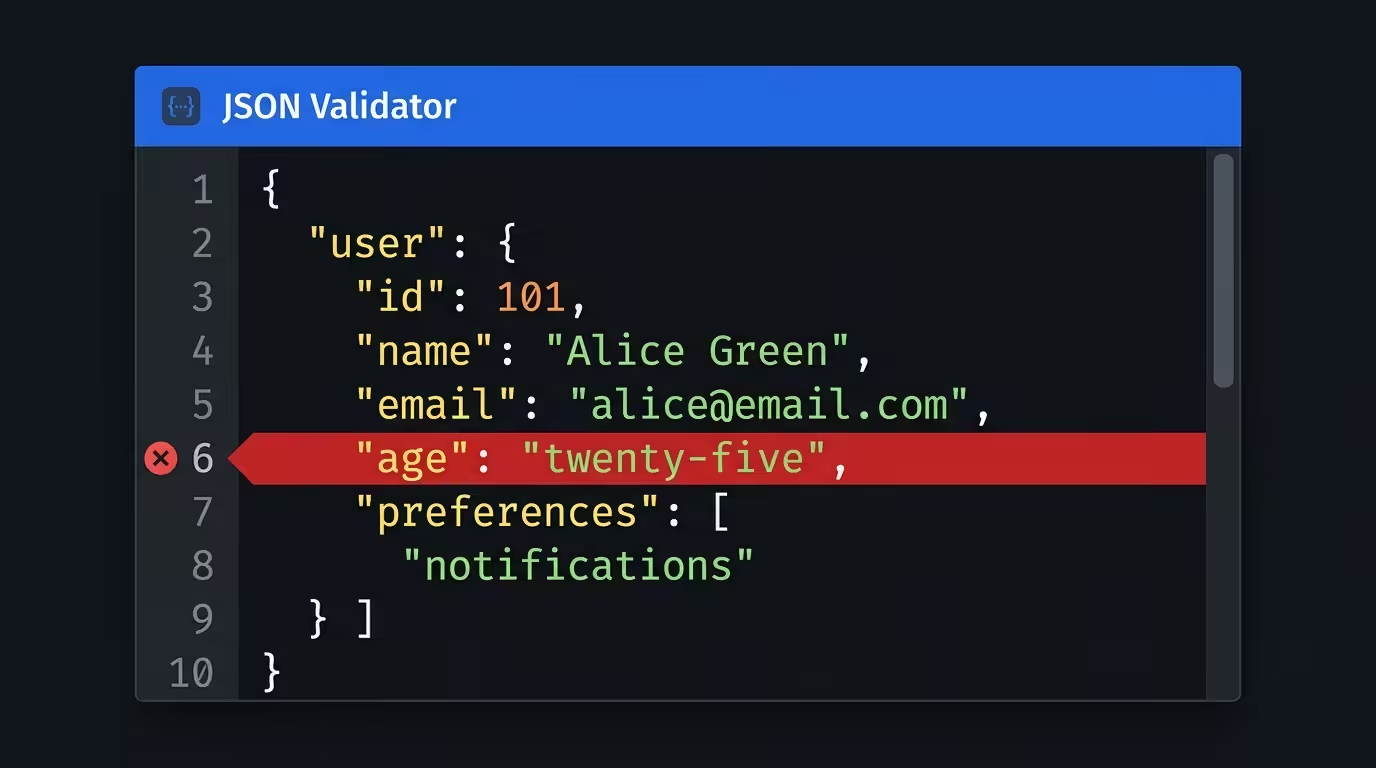
Once you have the minified JSON, you can paste it back into the JSON Validator to confirm the structure is still intact, or open the JSON Viewer to browse the collapsed tree.