JSON validation errors explained: trailing commas, bad quotes, and more
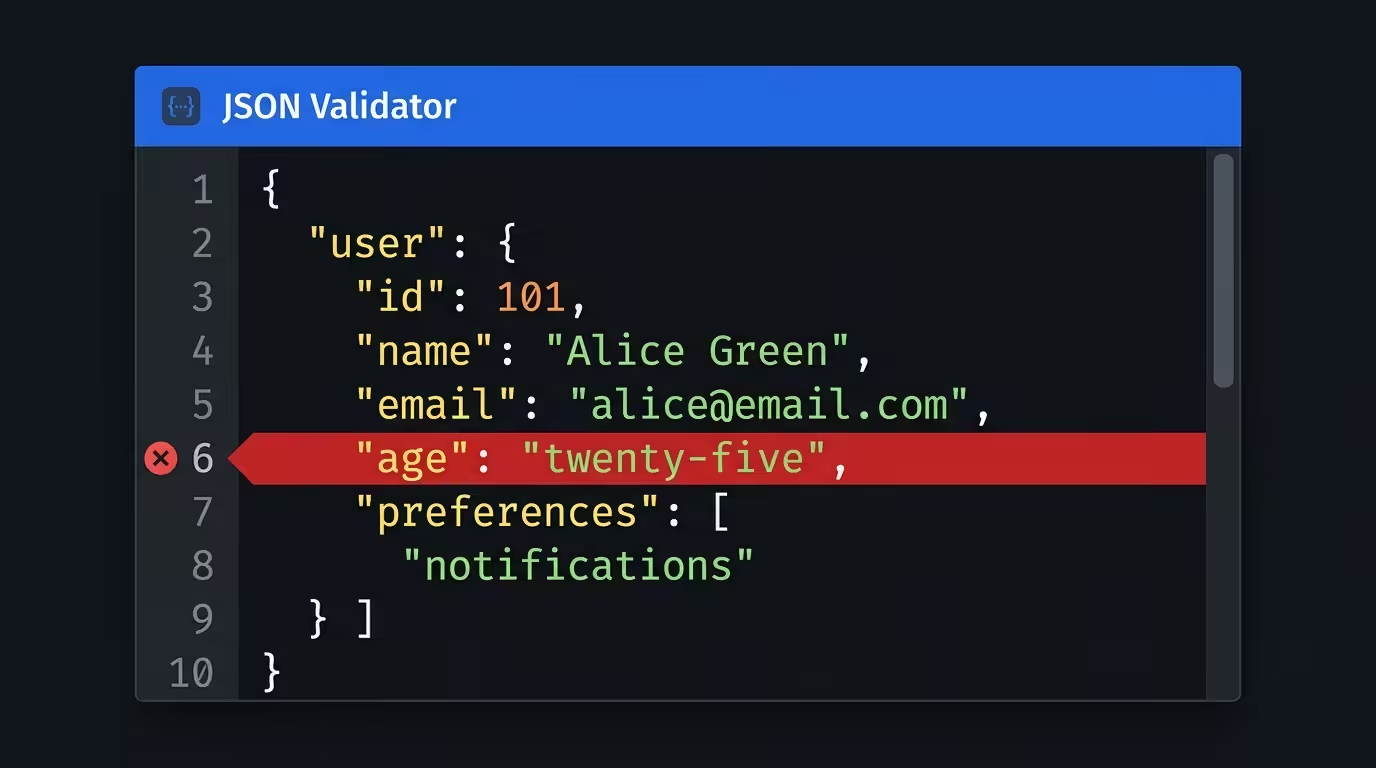
JSON has strict rules. One wrong character and the parser stops. Here are the errors you will see most often and what each one means.
Trailing commas
JavaScript allows a comma after the last item in an array or object. JSON does not.
// Invalid — trailing comma after "validator"
{
  "tools": ["viewer", "formatter", "validator",]
}
Remove the comma before the closing bracket. The JSON Validator detects this and offers a corrected copy automatically.
Unquoted keys
In JavaScript you can write {name: "value"}. In JSON every key must be a string in double quotes: {"name": "value"}. Single quotes are also invalid.
Single-quoted strings
Only double quotes are valid string delimiters in JSON. If you copied a value out of a Python repr or a JavaScript object literal, replace the single quotes before parsing.
Reading the error message
Most parsers report an error like Unexpected token } at position 42. Position 42 means character 42 counting from the start of the string. The validator on this site converts that number to a line and column, so you can jump straight to the problem without counting characters by hand.
Auto-repair
The JSON Validator attempts to fix trailing commas and unquoted keys automatically. When a safe correction is possible, a corrected copy appears below the error. Copy it out and keep working.
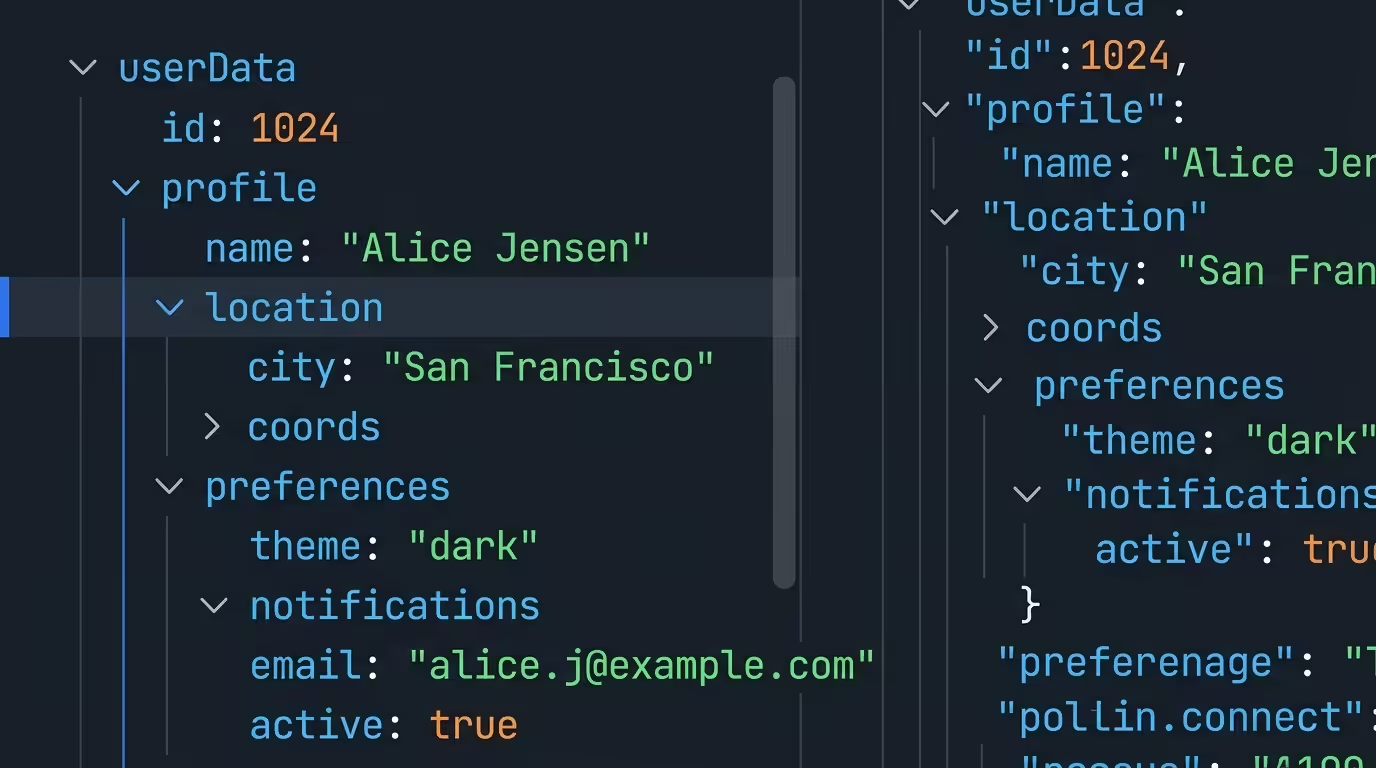
Once your JSON is valid, paste it into the JSON Formatter to make it readable, or into the JSON Viewer to explore the structure.