How to read nested JSON: objects, arrays, and tree views
Nested JSON is just JSON inside JSON. Once you see how the structure works, you can find any value without scanning the whole document.
Objects inside objects
A value in a JSON object can itself be an object. This is how APIs return related data together:
{
  "user": {
    "id": 1024,
    "profile": {
      "name": "Alice Jensen",
      "location": {
        "city": "San Francisco"
      }
    }
  }
}
To get the city, you follow the path user → profile → location → city. In JavaScript that is data.user.profile.location.city.
Arrays of objects
A common pattern is an array where each item is an object:
{
  "results": [
    { "id": 1, "name": "viewer" },
    { "id": 2, "name": "formatter" }
  ]
}
To reach the second item’s name: data.results[1].name. Arrays are zero-indexed, so [0] is the first item.
Using the tree viewer
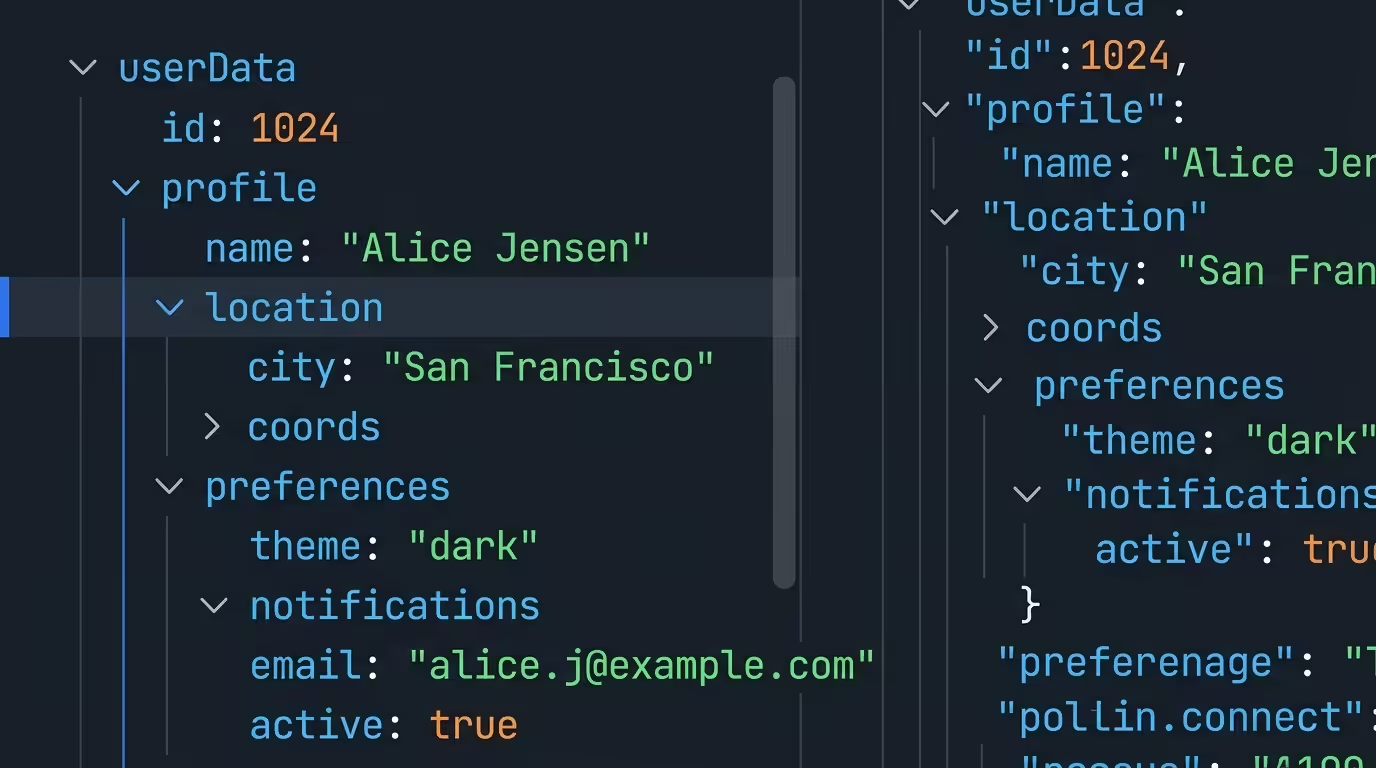
When the nesting goes four or five levels deep, reading raw JSON gets tedious. The JSON Viewer renders the whole document as a collapsible tree. Click a branch to collapse it and keep only the part you care about on screen. You can also search by key or value, and copy any individual value with one click.
Dot-path notation
The viewer shows the dot-path for each node, so you know the exact access path to use in code. This is useful when you are writing a script to extract a field from a large API response and need to get the path right without counting brackets.
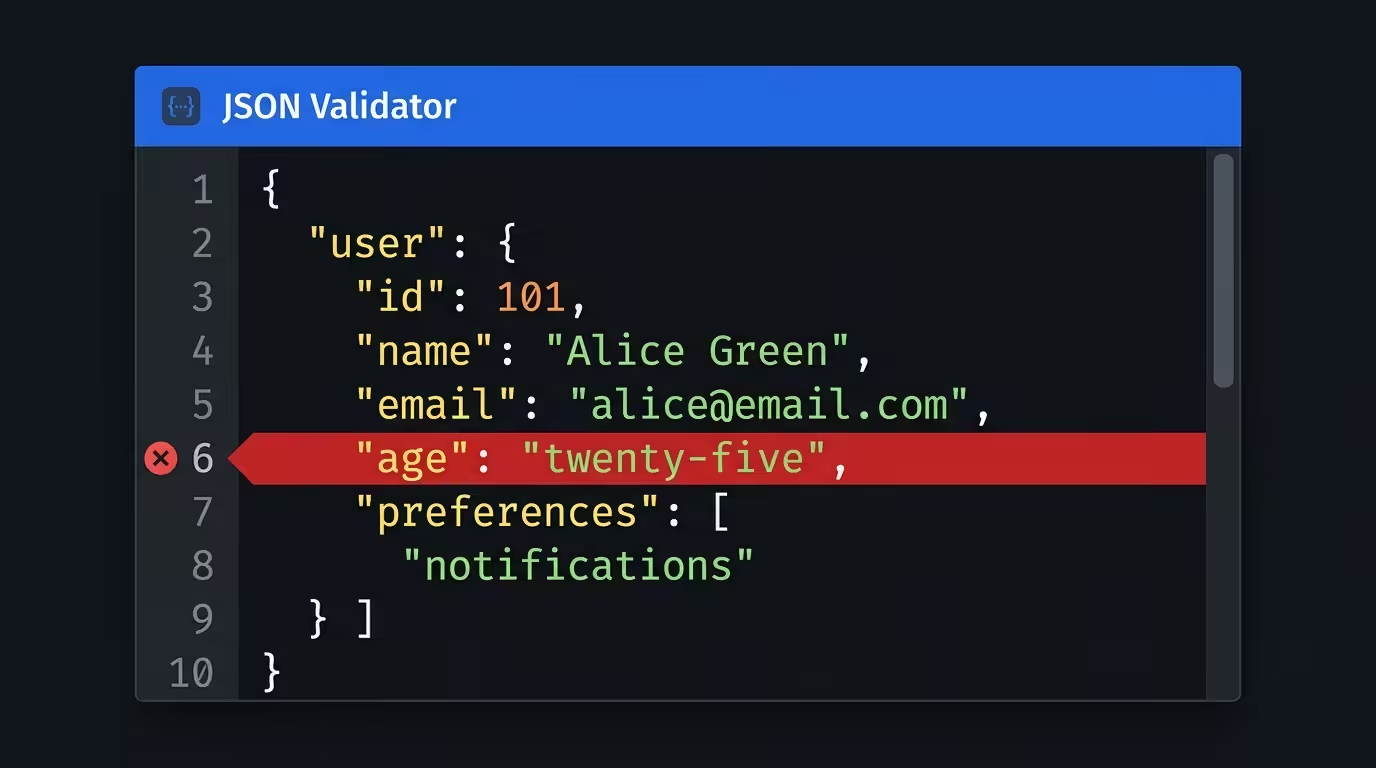
Once you know the path you want, use the JSON Formatter to prettify the full document and the JSON Validator to check it is well-formed before you start processing it.