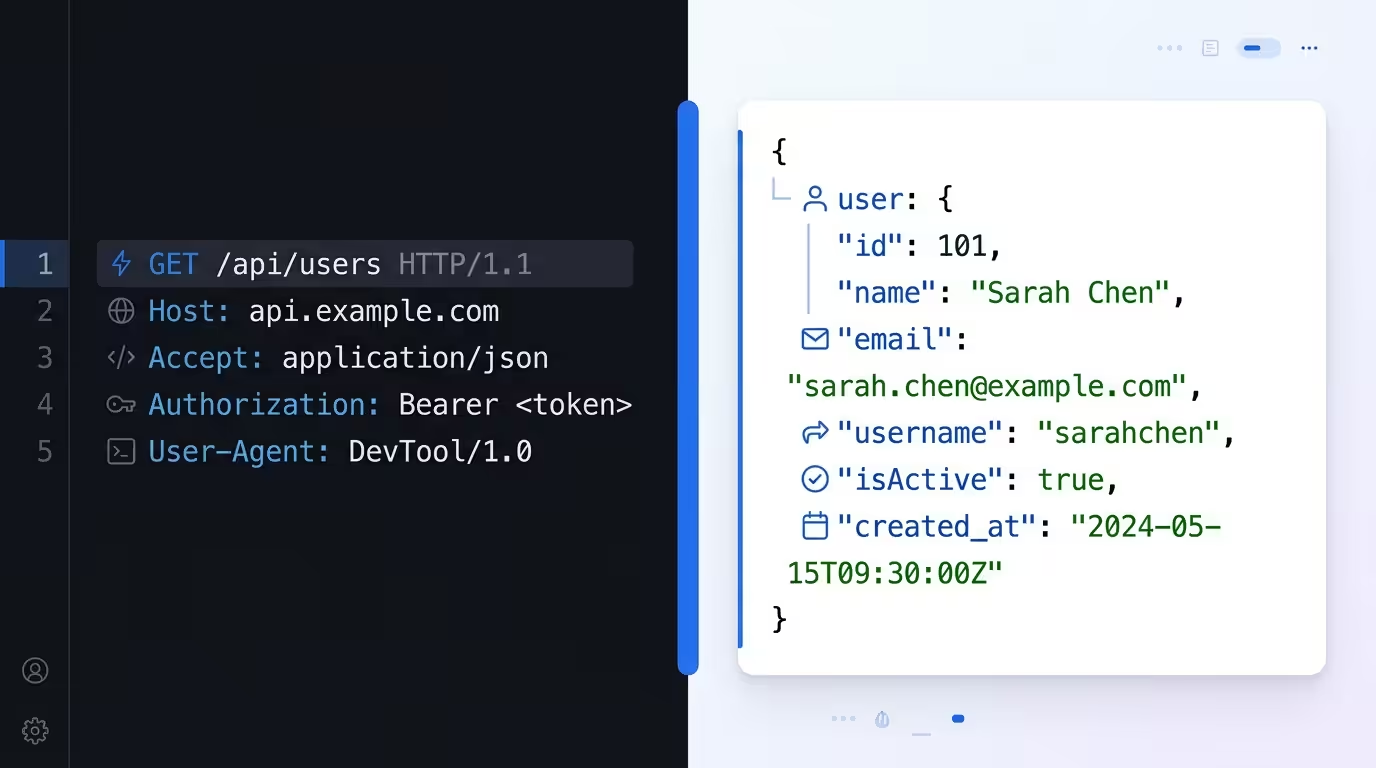
Best free online JSON tools for developers in 2026
The best free JSON tools run in your browser without uploading data. Here are the three tools on JSON Lab — viewer, formatter, and validator — and what each is for.
Leer guíaVisualiza, formatea y valida JSON sin enviar tus datos a ningún sitio. Herramientas limpias para tu trabajo diario.
Explore all 33 purpose-built tools for editing, formatting, inspecting, converting, and generating code from JSON.
Editor JSON interactivo de doble panel con modos de árbol, código y tabla, y reparación de sintaxis.
Abrir herramienta →Inspecciona objetos y arreglos en una vista de árbol limpia y con búsqueda.
Abrir herramienta →Embellece JSON comprimido o minimiza datos para producción.
Abrir herramienta →Localiza errores de sintaxis por línea y columna. Corrige comas automáticamente.
Abrir herramienta →Auto-fix broken trailing commas, unquoted keys, single quotes, and LLM syntax errors.
Abrir herramienta →Compare two JSON objects side-by-side to highlight additions, deletions, and modifications.
Abrir herramienta →Transform JSON arrays into CSV spreadsheets.
Abrir herramienta →Parse CSV spreadsheet data into structured JSON.
Abrir herramienta →Convert strict JSON into clean YAML configs.
Abrir herramienta →Parse YAML configuration into strict JSON.
Abrir herramienta →Convert JSON objects into XML documents.
Abrir herramienta →Parse XML nodes into structured JSON objects.
Abrir herramienta →Generate SQL INSERT queries from JSON objects.
Abrir herramienta →Convert SQL data dumps into structured JSON arrays.
Abrir herramienta →Format JSON arrays into clean Markdown tables.
Abrir herramienta →Generate type-safe interfaces and types.
Abrir herramienta →Generate Python Dataclasses and Pydantic models.
Abrir herramienta →Generate Java POJO classes with getters/setters.
Abrir herramienta →Generate C# classes for System.Text.Json or Newtonsoft.
Abrir herramienta →Generate Go structs with json tag annotations.
Abrir herramienta →Generate Kotlin data classes with serialization tags.
Abrir herramienta →Generate Swift Codable structs automatically.
Abrir herramienta →Generate Rust structs with Serde derive macros.
Abrir herramienta →Generate strongly typed PHP 8+ classes.
Abrir herramienta →Query nested JSON data using JSONPath expressions.
Abrir herramienta →Search keys and values across large JSON documents.
Abrir herramienta →Flatten deep JSON objects into dot-notation keys.
Abrir herramienta →Encode JSON to Base64 or decode Base64 back to JSON.
Abrir herramienta →Decode and inspect JSON Web Token headers and payloads.
Abrir herramienta →Strip single/multi-line comments from JSONC files.
Abrir herramienta →Estimate OpenAI / LLM token usage and character stats.
Abrir herramienta →Generate JSON Schema Draft 7 definitions from JSON.
Abrir herramienta →Validate JSON payloads against JSON Schema specifications.
Abrir herramienta →Tus datos nunca salen de tu navegador. Procesamiento 100% local con JavaScript.
Saber más →Sin configuraciones complejas ni claves API.
Pega texto sin formato o carga un archivo .json desde tu dispositivo.
Selecciona vista de árbol, formatear, minimizar o validar sintaxis.
Obtén tu resultado formateado o reporte de errores al instante.
Todo lo que necesitas saber sobre JSON Lab.
No. Todas las herramientas funcionan localmente en tu navegador.
No hay límite en el servidor. Los navegadores modernos procesan archivos grandes sin problemas.
Sí. Como todo el procesamiento es local, tus datos permanecen privados en tu equipo.
Una vez cargada la página, todas las herramientas funcionan sin conexión a Internet.
Usa el Validador JSON. Detecta comas sobrantes y las corrige automáticamente.
Formatear añade sangría para lectura; minimizar elimina espacios para reducir tamaño.
Sí, el Formateador JSON incluye ordenación alfabética de propiedades.
Sí, todas las herramientas son 100% gratuitas y sin registro.
Tutorials, specs, and best practices for working with JSON APIs and data pipelines.
The best free JSON tools run in your browser without uploading data. Here are the three tools on JSON Lab — viewer, formatter, and validator — and what each is for.
Leer guía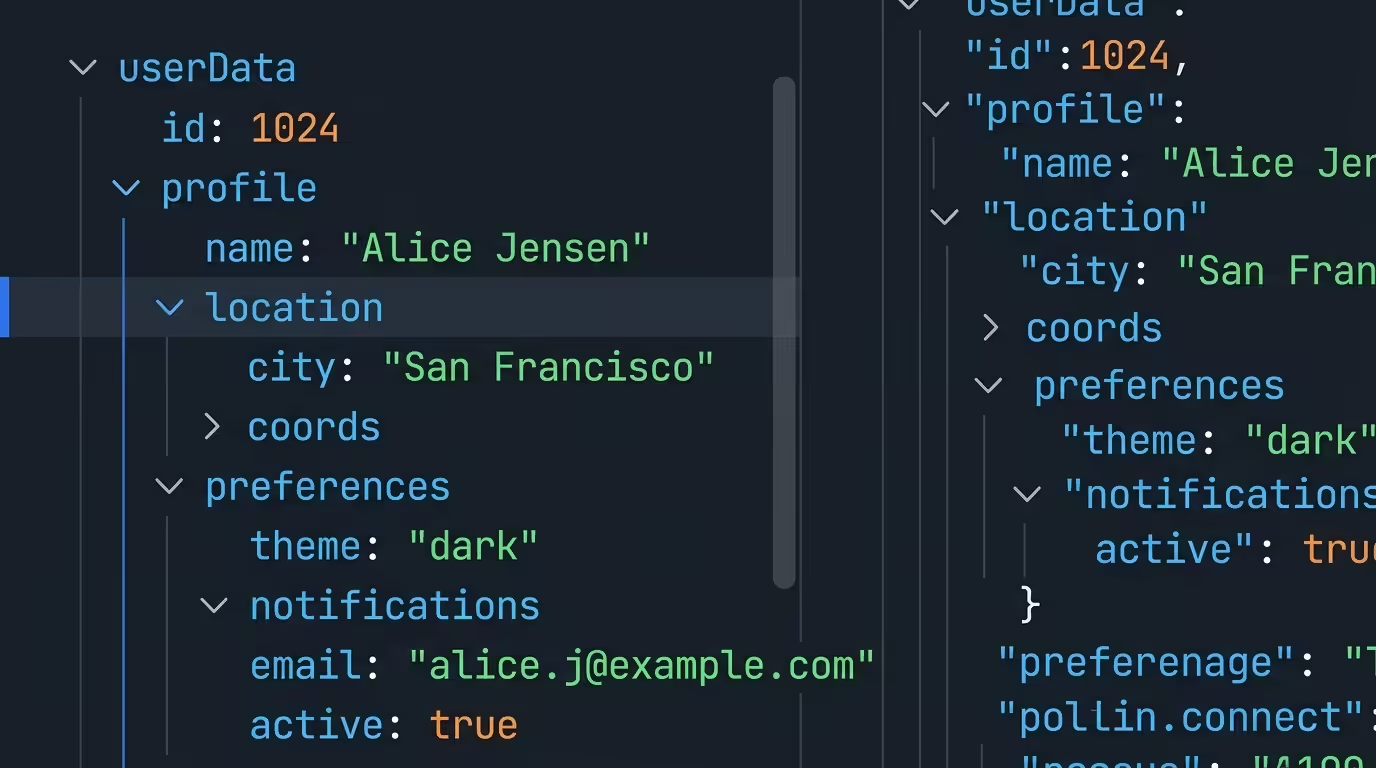
JSON.parse() throws a SyntaxError when the input is not valid JSON. Learn how to read the error position, find the problem, and write defensive parsing.
Leer guía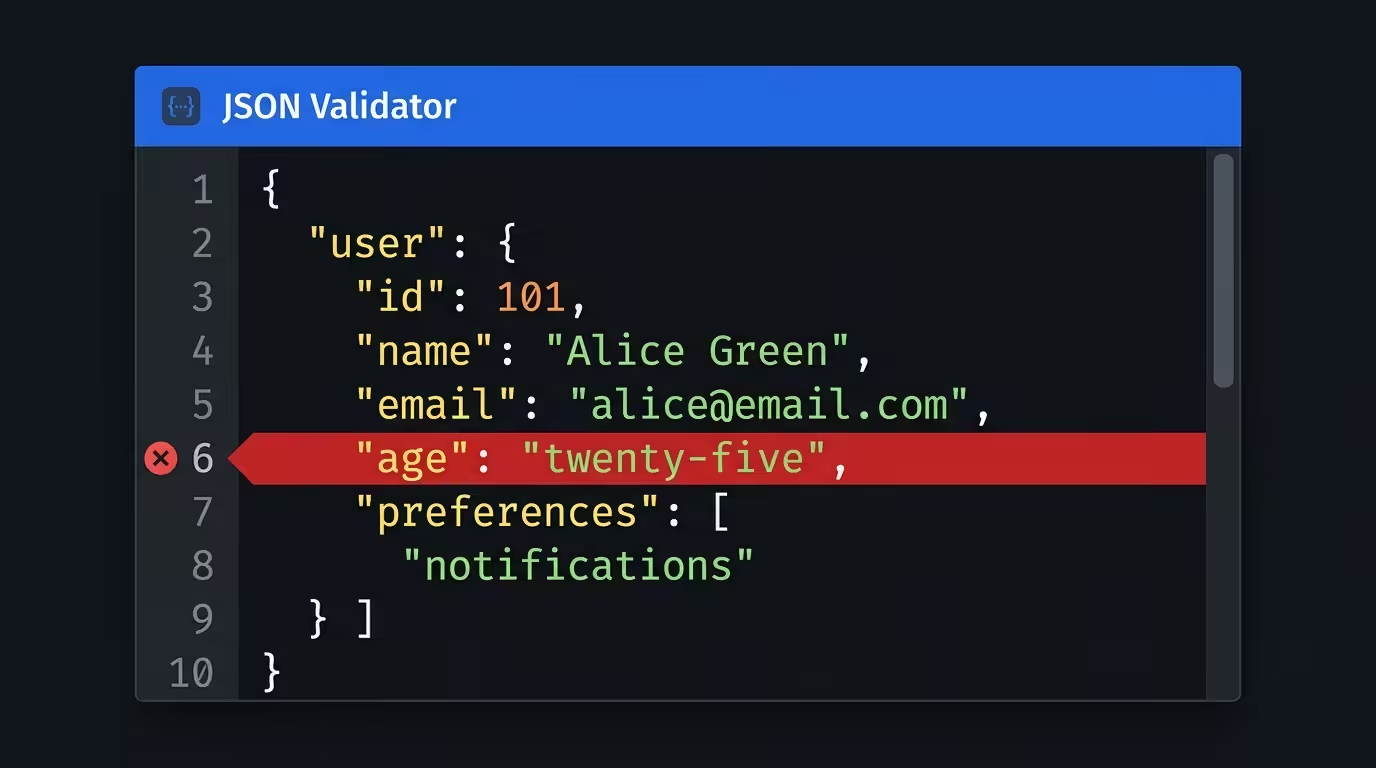
JSON and YAML both store structured data but make different trade-offs. Here is what each format is good at and when to reach for one instead of the other.
Leer guía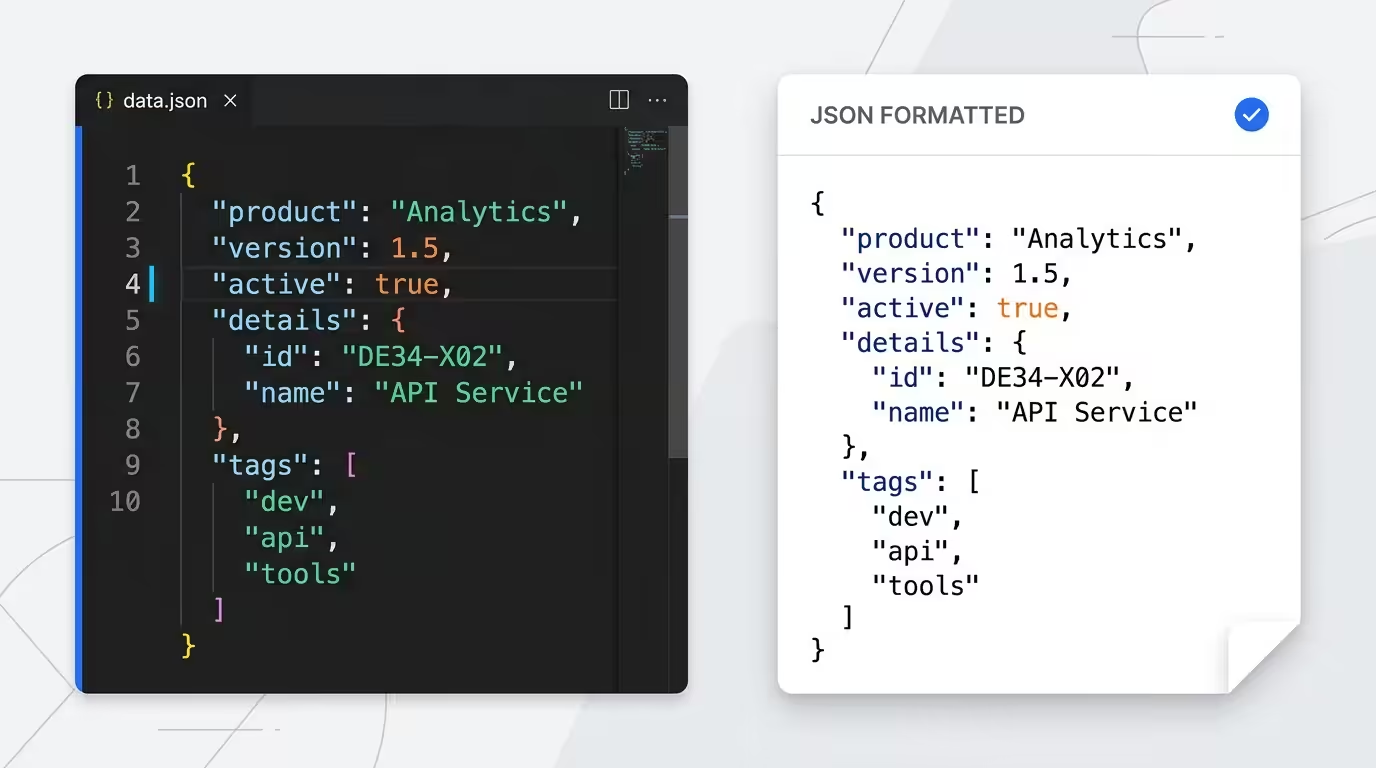
Minifying JSON removes whitespace without changing values. Learn when it actually helps and how to do it in one click or in code.
Leer guía